Block Renovation Logo
Renovation StudioNew
How It Works
Locations
Gallery
Resources

Kitchen Remodel Visualizer
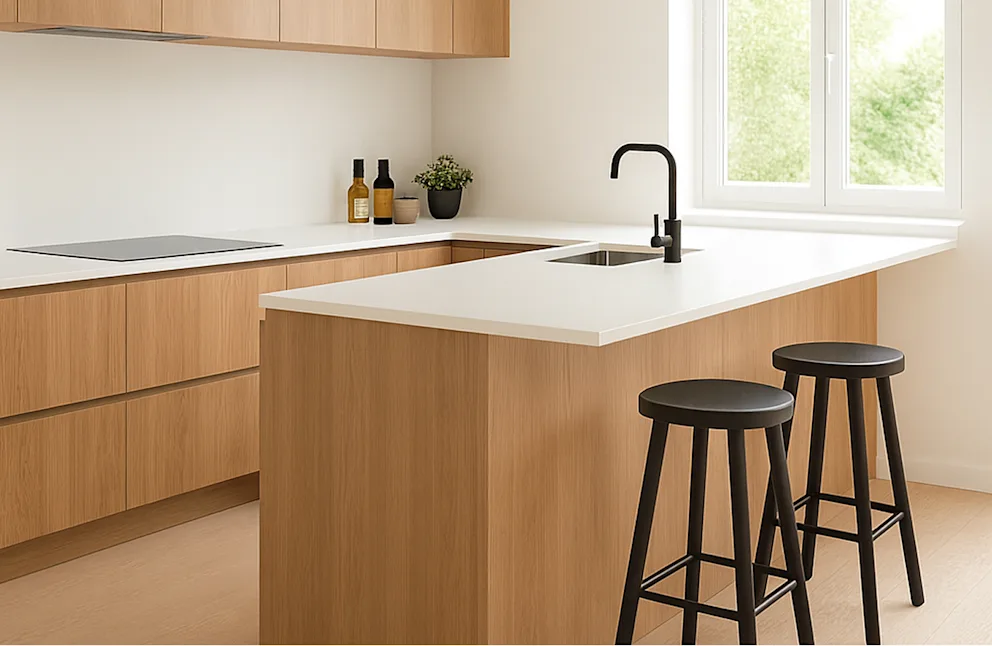
See your ideal kitchen remodel take shape with Block’s free online tool—just upload a photo to start visualizing your new space.
Get Started

Ready to see your dream kitchen come to life?

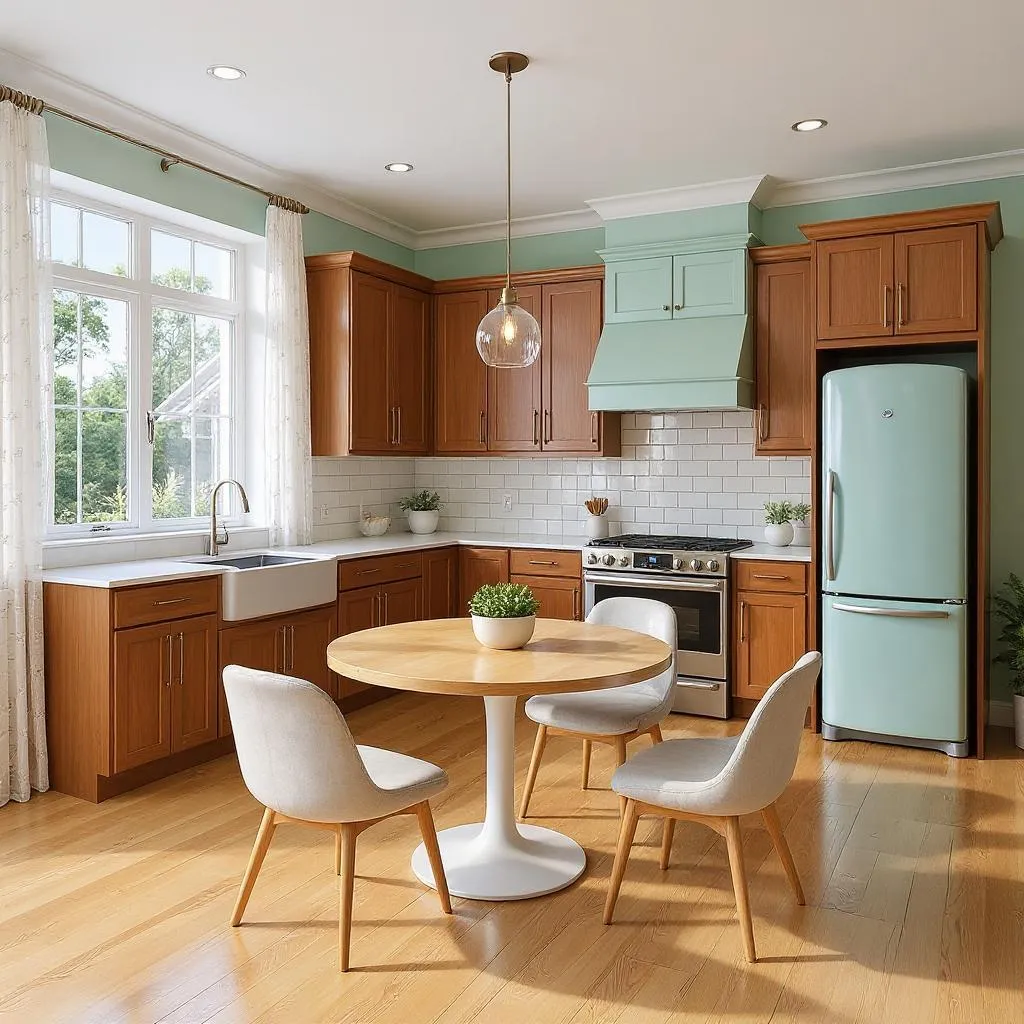
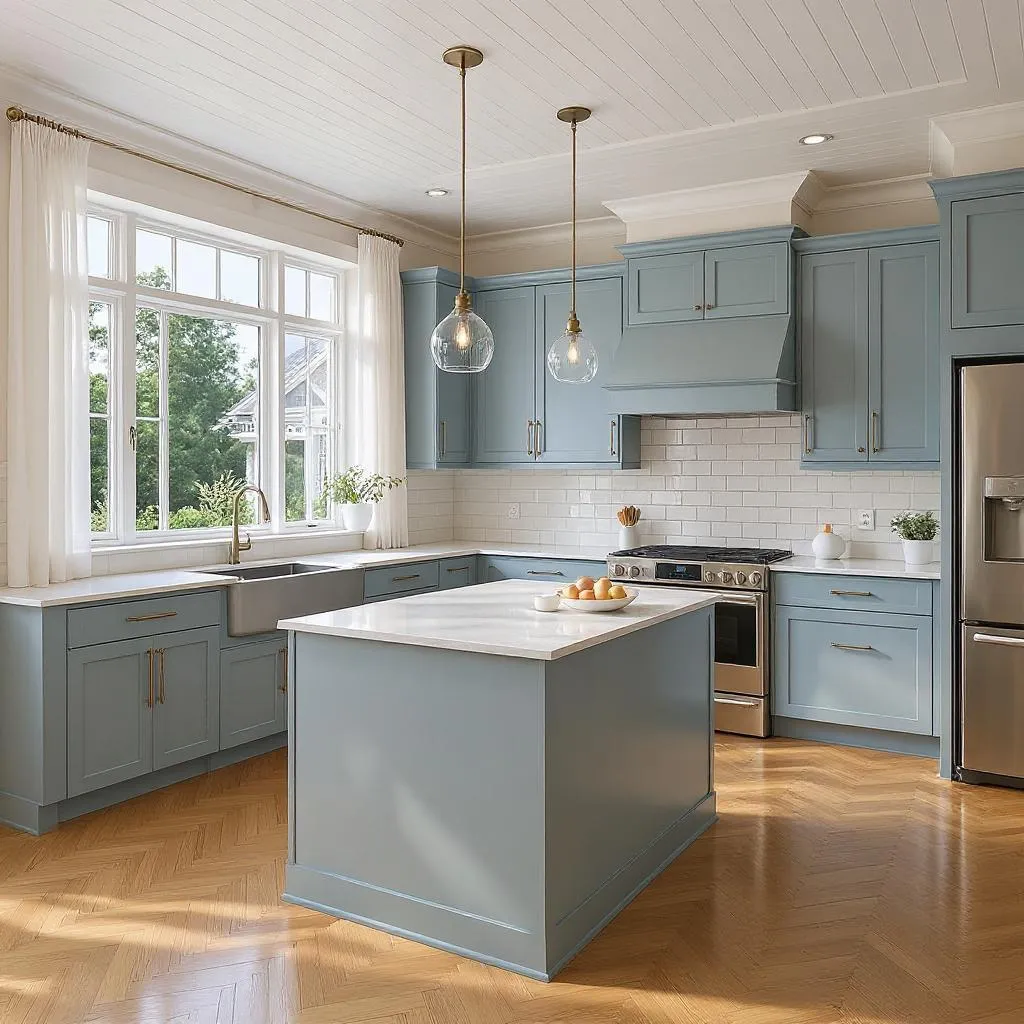
Redesign every inch of your kitchen

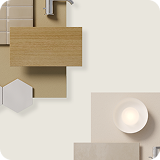
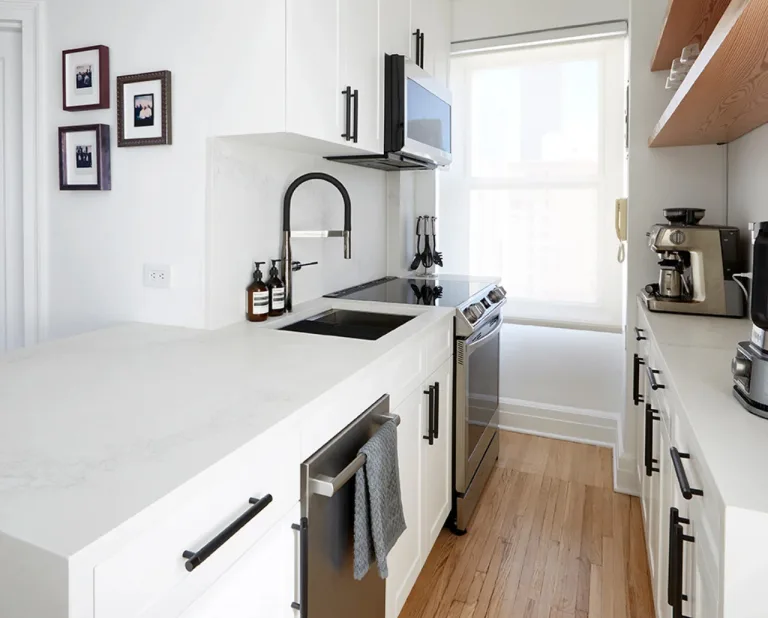
Countertops & Backsplashes

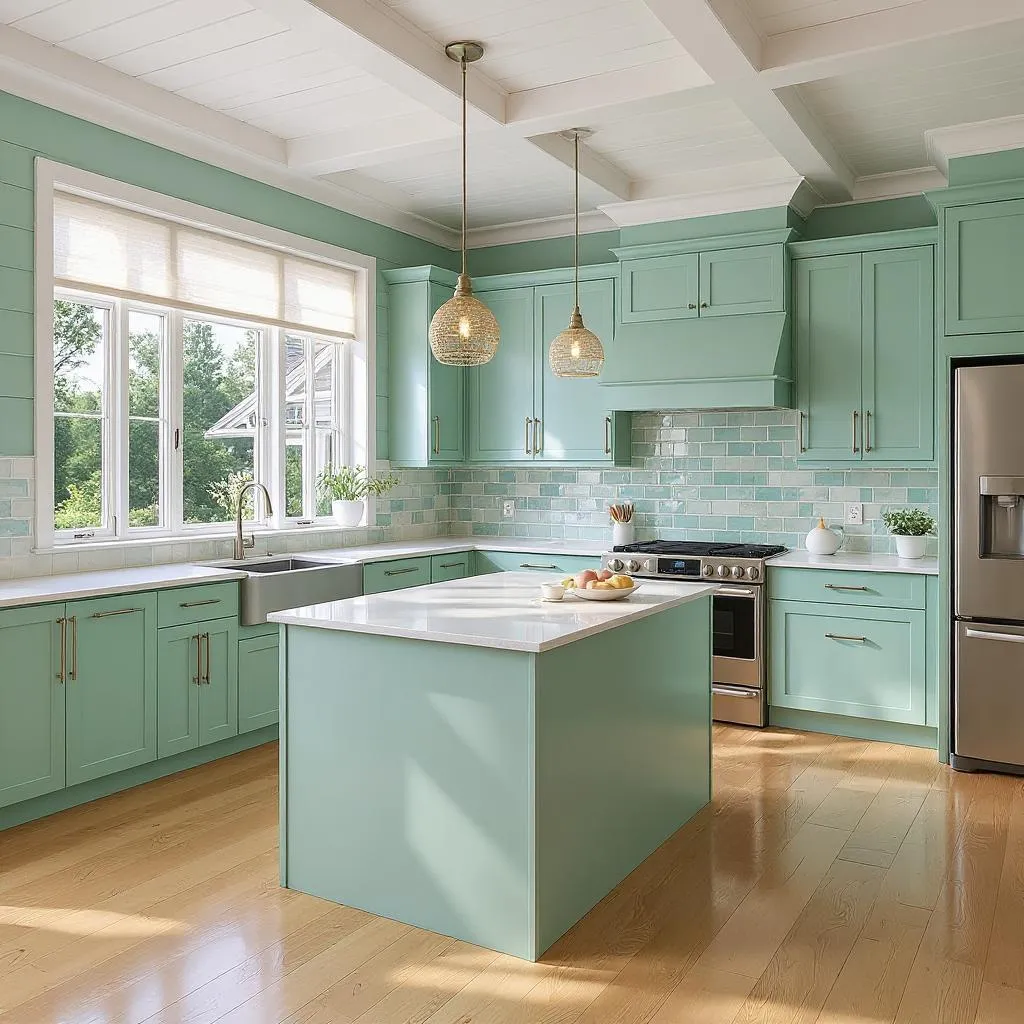
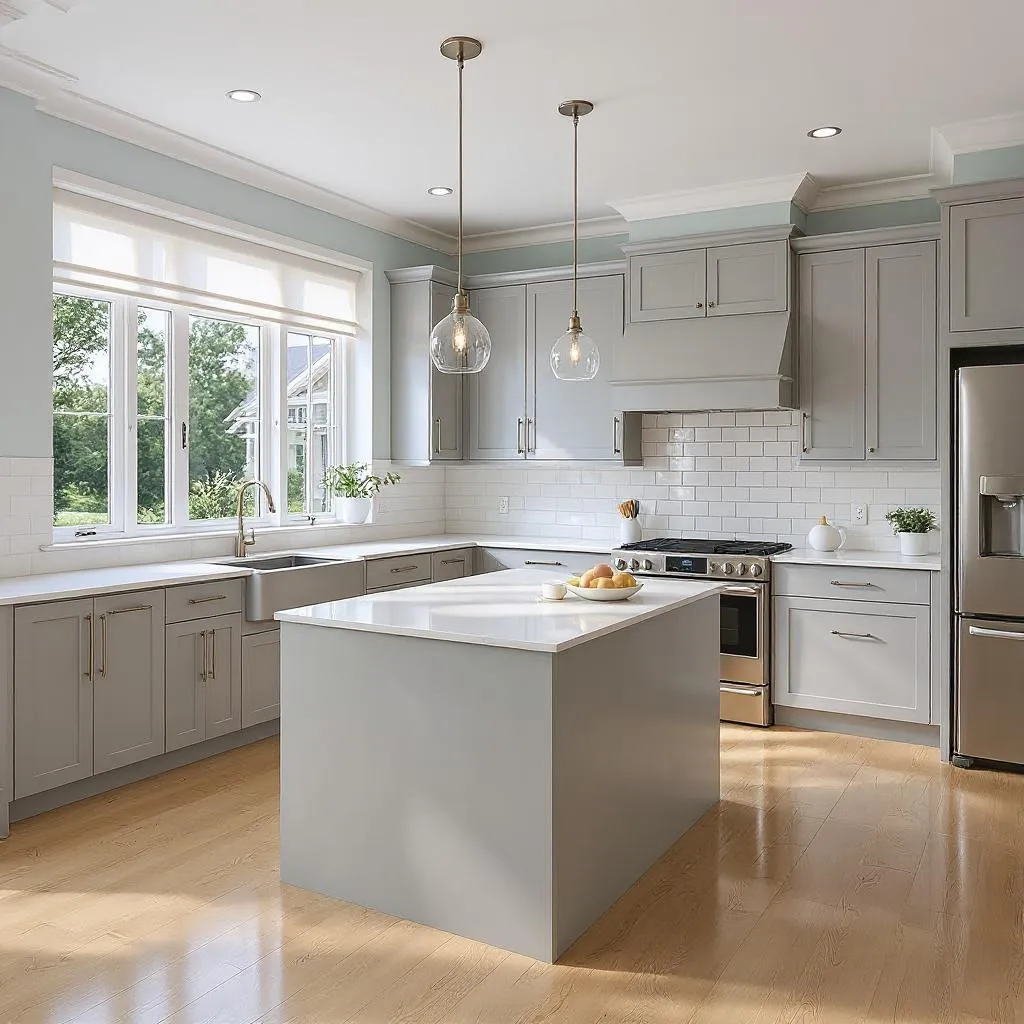
Our design-minded AI lets you experiment with different colors and materials for a coordinated look that fits well within your kitchen budget.

Cabinetry & Storage

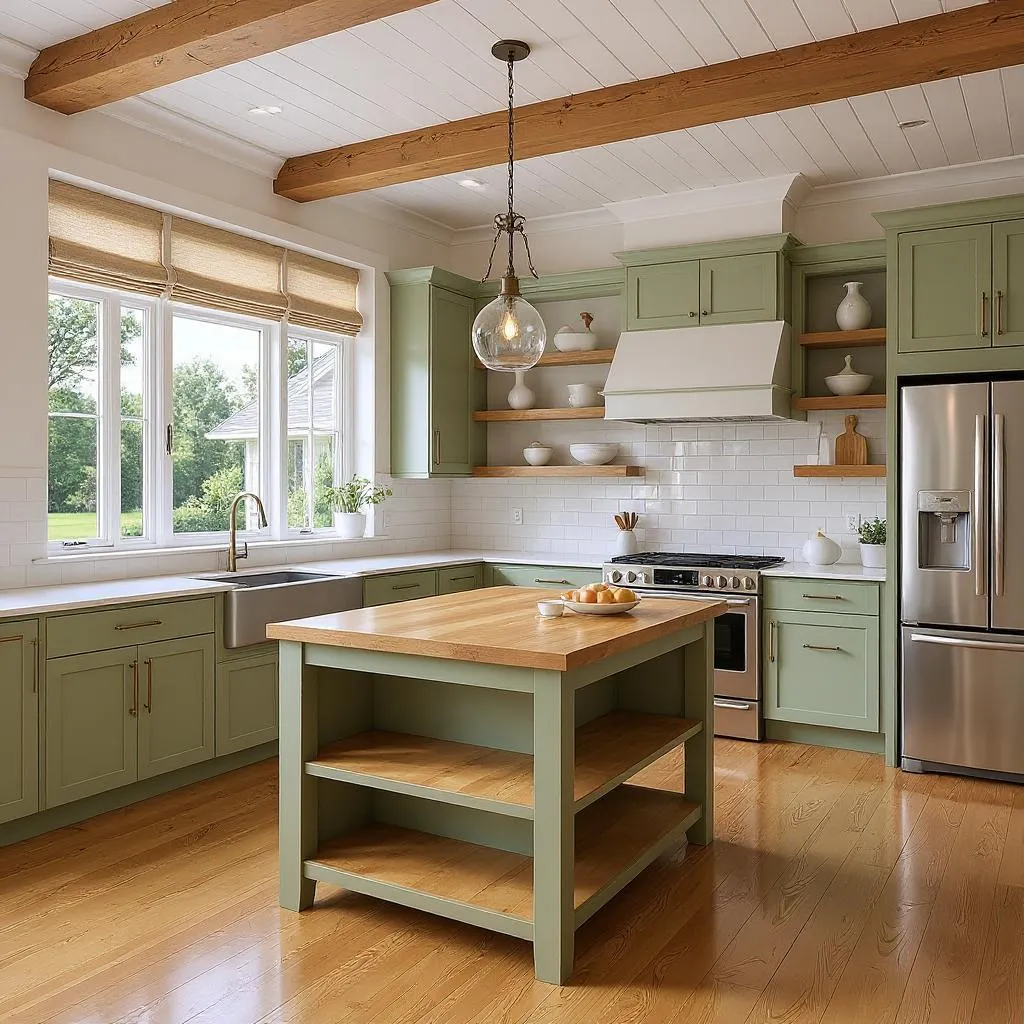
The right cabinets come down to more than color. Visualize how different configurations, door styles, and hardware pairings can solve storage needs and set the tone for the entire kitchen.

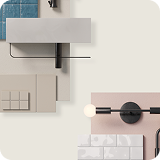
Lighting Fixtures & Positioning

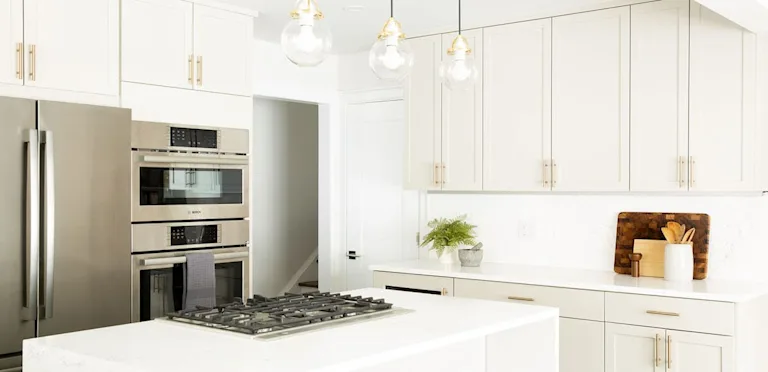
Visualize how a well-placed pendant or a simple fixture swap can transform your kitchen photos into a space that feels both inviting and intentional.

Flooring & Walls

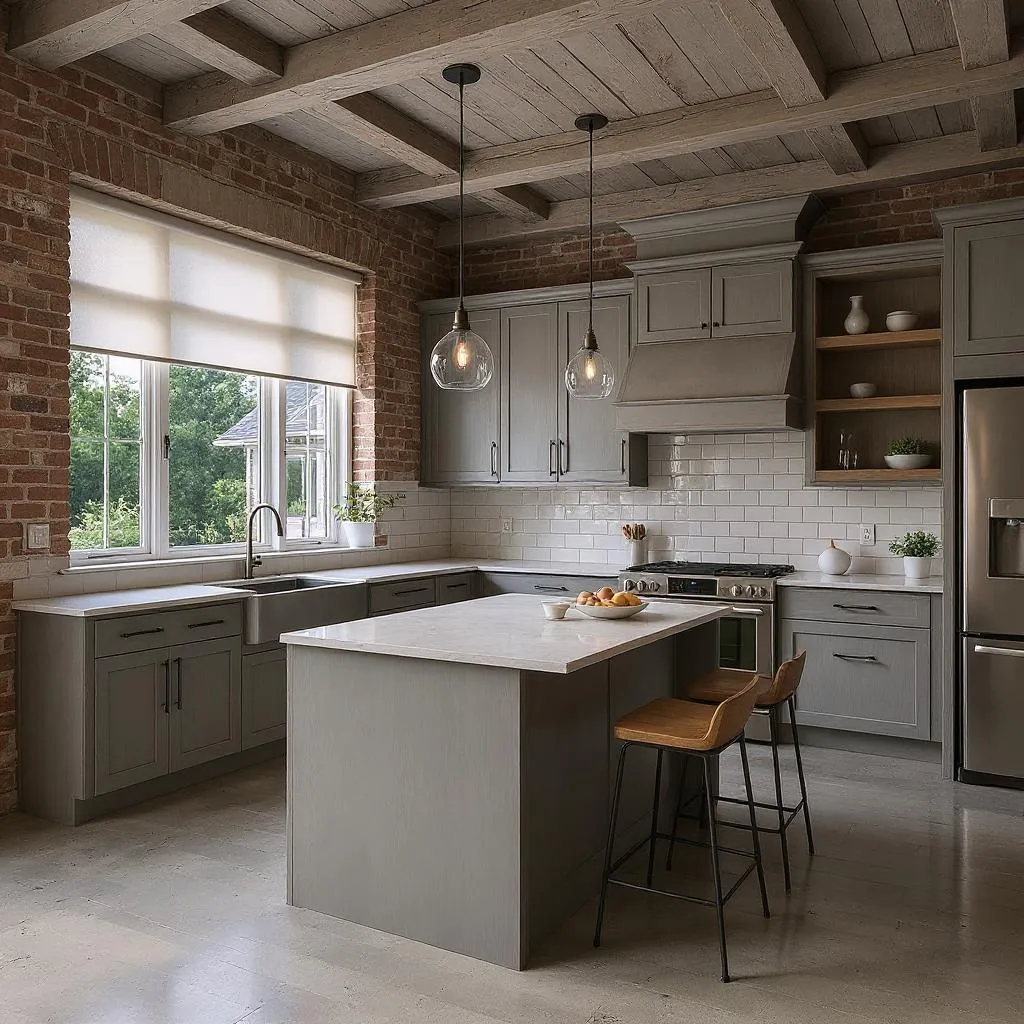
From hardwood to patterned tile, flooring and wall finishes anchor the entire kitchen design. Our free AI lets you experiment to see how every surface can harmonize.

Explore infinite ways to transform your kitchen with our free AI visualization

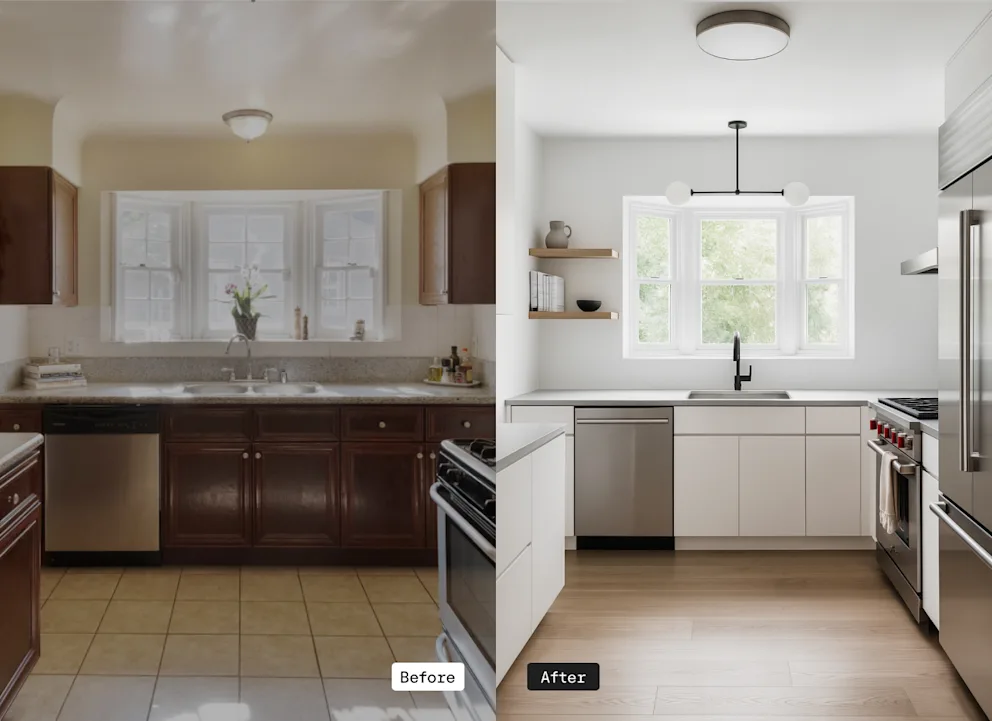
Reimagine your kitchen with Block’s free kitchen remodel visualizer in Renovation Studio. Simply upload a photo of your current kitchen and share your vision, from new cabinet finishes and countertops to updated flooring and tilework. Renovation Studio will combine your goals with your style preferences to create a personalized preview of your remodeled kitchen.

Describe the kitchen features you want to update

Pick your preferred style and color palette

Visualize your newly remodeled kitchen with a single click
Block Renovation: a better way to remodel

Plan your renovation

Use Renovation Studio, Block’s free planning tool, to design your space, estimate costs, and visualize materials instantly.
Start planning

Get curated contractor matches for your project

Receive fast, competitive quotes with transparent pricing from vetted contractors tailored to your exact needs.

Hire with clarity and confidence

Get expert-reviewed proposals that protect you from surprises down the line. Easily compare scopes side by side and understand the cost breakdown. See contractor reviews, project photos, and past project costs.

Stay in control

Block provides a secure payment system where contractor payments are released upon project progression. We review change orders on demand. Renovate with peace of mind with Block Protections.
Learn about Block Protections

Additional free tools & resources to help plan your kitchen remodel

Instant Budget Estimates

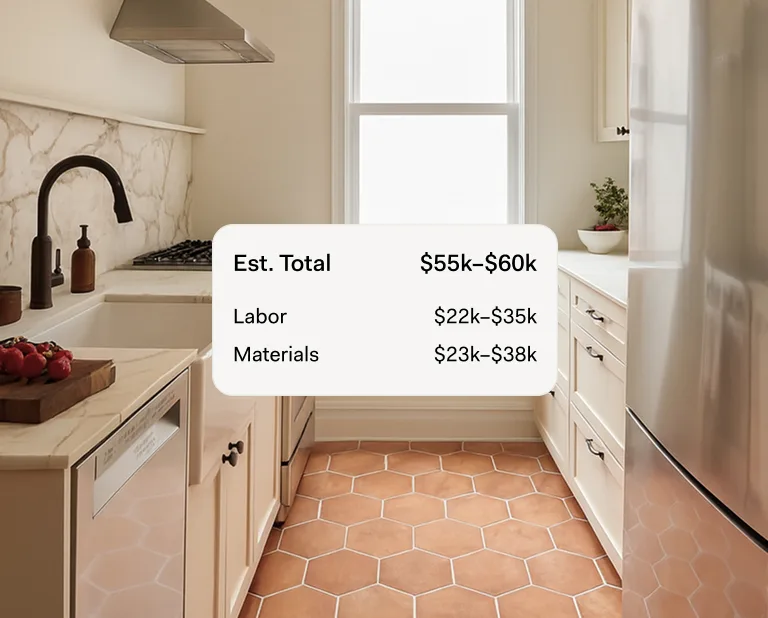
Block’s powerful AI tool, Renovation Studio, not only lets you visualize your redesigned kitchen, but also demystifies the budgeting process. It offers personalized suggestions tailored to your layout, style, and goals, and updates cost estimates in real time. If you have a specific budget, the tool adjusts your options to help your redesign stay within your price range.
Begin planning today

Paint Color Picker

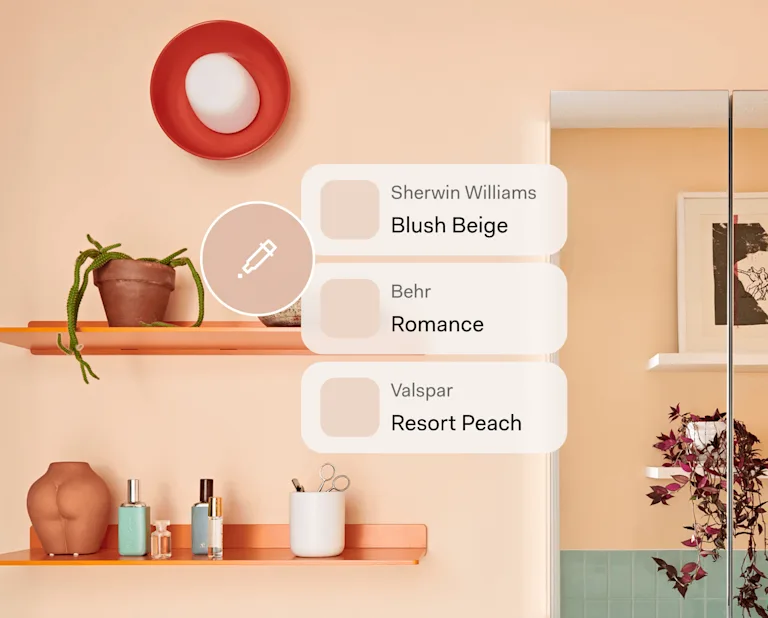
Are you inspired by a piece of art, or perhaps even an article of clothing you own? Now you can transform that inspiration into the perfect color palette for any space. Simply upload an image, and our AI tool will instantly identify the exact paint colors—sourcing shades from top brands and recommending complementary or triadic options to complete your look.
Find paint colors

Real-World Kitchen Remodels

Explore Block Renovation’s kitchen remodeling gallery for inspiration, featuring real projects of every size and budget. Discover a wide range of ideas and features, from timeless Shaker cabinets and custom shelving to distinctive architectural accents. See how others have transformed their kitchens—and spark ideas for your own remodel.
Explore our gallery

Frequently asked questions

What is the Kitchen Remodel Visualizer?

The Kitchen Remodel Visualizer is a free online tool built by Block Renovation to help homeowners find inspiration at the very start of their remodeling journey. Simply upload a photo of your current kitchen to visualize different styles, colors, and materials, and see how your space could be transformed.

How do I use the Kitchen Remodel Visualizer?

Designed to provide a fast and easy experience, the Kitchen Remodel Visualizer lets you upload a photo of your kitchen and share your renovation ideas—for example, “make the floors blue tile” or “replace upper cabinets with open shelving.” You’ll then select your favorite color schemes and style influences from simple drop-down menus. Our free Visualizer tool will do the rest, imagining how your kitchen could transform.

What kitchen styles can I explore?

The Kitchen Remodel Visualizer offers a wide range of styles, including farmhouse, traditional, contemporary, industrial, coastal, and mid-century, so you can find the perfect look to match your vision.

Do I need design experience to use the Kitchen Remodel Visualizer?

Not at all! The tool is intuitive and made for anyone to explore and create their ideal kitchen remodel—no design experience required.

Is the Kitchen Remodel Visualizer free to use?

Yes, Block’s Kitchen Remodel Visualizer is completely free to use, helping you plan your dream bathroom with confidence.

What is Block Renovation?

Block Renovation was created to help homeowners avoid the most common—and expensive—renovation headaches. From contractor selection to pricing and payments, Block has rethought every part of the process to give them greater clarity and control. Before any work begins, Block helps customers visualize the renovation and understand real costs with personalized estimates. Their team and planning tools connect homeowners with a shortlist of thoroughly vetted local contractors, and every proposal is reviewed by experts to catch missing details and reduce the risk of costly change orders. Payments are managed through a secure, milestone-based system, so contractors are paid only as progress is made. Throughout your project, Block is there with expert guidance and support, from the first planning conversation to the final walkthrough. To learn more about how we can help bring your dream bathroom to life, visit our How It works page.

What kinds of photos work best with the design AI?

Ideally, your photo should capture as much of your kitchen as possible. Users tend to find the most success when standing in the entranceway or a corner. Consider what elements you're most keen to update. For example, if you want to use the AI to visualize how new floors could look, angle your camera to purposefully include them. Another tip? Time your photograph so it captures your kitchen in the clearest, most natural light without dramatic shadows. This allows the design AI to read your space more accurately and generate realistic previews you can trust.

I already have specific materials or products in mind. Can I include them in my visualization?

Yes. You can paste product links, upload images from Pinterest, or share your own photos of materials you love, whether that's a countertop, tile, cabinet, or fixture. Our AI will incorporate them into the photo renderings so you can visualize exactly how they fit your kitchen redesign.

How does Renovation Studio estimate the cost of my kitchen redesign?

Our free AI factors in typical material and labor costs for your zip code and weighs how your selected materials compare to one another in price. It then combines these data points with the scope of your selections—such as how many surfaces you're updating and the perceived size of your kitchen—to predict the project’s cost. Keep in mind, these are estimates, not quotes. They're useful for understanding relative costs and seeing how different kitchen design decisions move your budget up or down. However, a contractor who views your home in person will be able to provide a much more tailored and accurate number.

Find more kitchen remodeling inspiration